Bring the reviews you own from Trustpilot into Rated Stores using the CSV importer. Upload your file and let the importer handle column detection and duplicate imports. The current Trustpilot migration route uses a file rather than a direct review sync.
Your migration route
The public widget migration tool detects sources in widget embed codes. For your Trustpilot review file, use the CSV importer inside your dashboard.
Step-by-step
- Create your account and claim your company through business signup.
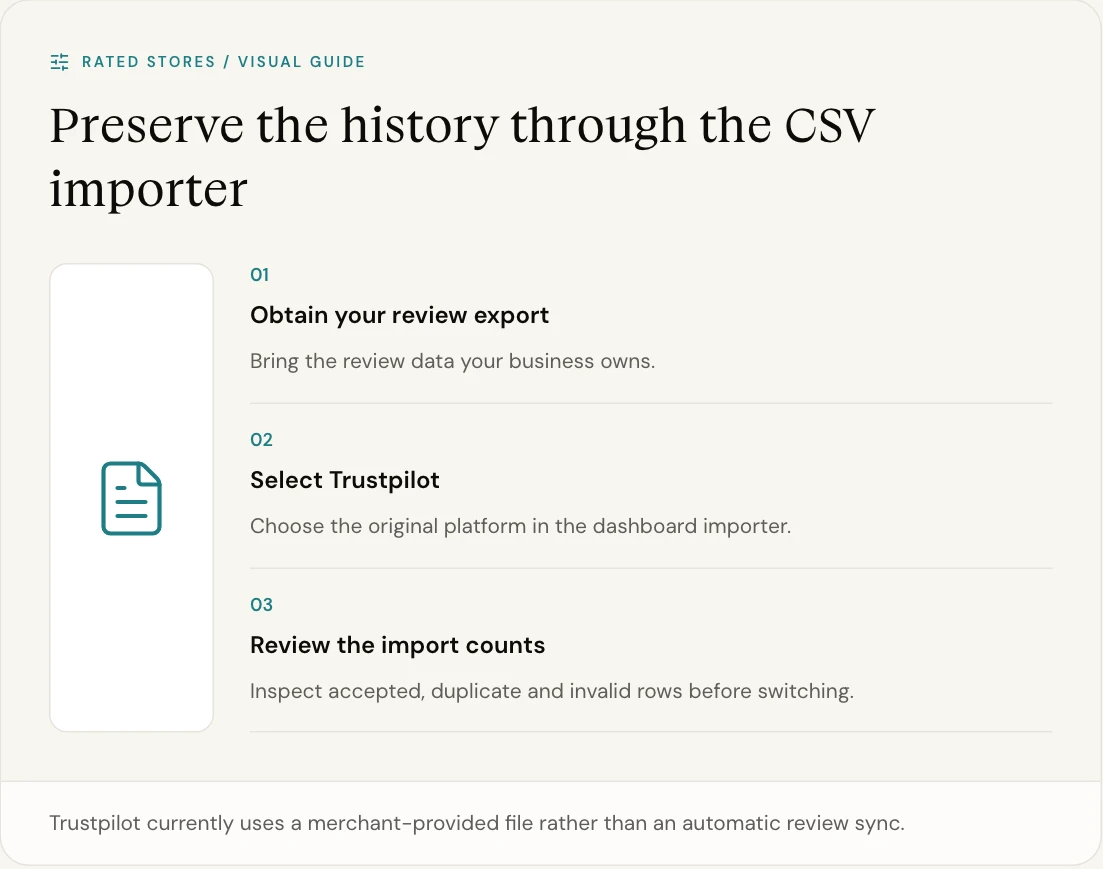
- Export the review data you own from Trustpilot as a CSV using your existing platform account.
- Open Migrate → Import your reviews in your Rated Stores dashboard and select Trustpilot.
- Upload the file and start the import. The importer recognises common rating, review text, name and date columns.
- Check the result counts. Review imported, duplicate and invalid rows, then inspect the reviews in your dashboard.
- Set up your new widget. Preview it on your website before replacing the existing embed.
What the importer handles
The file needs a rating column and review text or a title. Common name, date and location columns are recognised automatically. The result shows imported reviews, duplicate rows and invalid rows. File uploads are limited to about 4 MB.
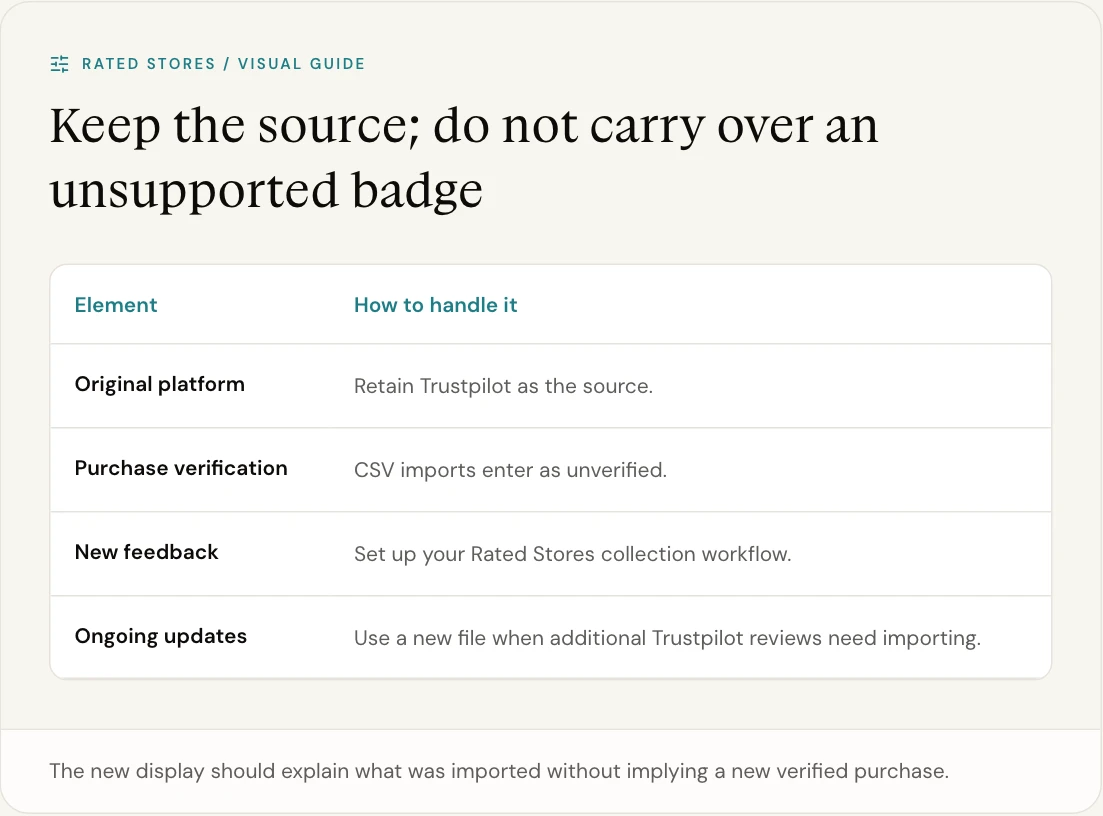
CSV imports create company reviews with their original platform recorded. They do not transfer a source platform’s verified-purchase badge. The importer does not currently migrate photo or video files, product links, Q&A or loyalty data; plan those separately if you rely on them.
Check before you switch
- Review coverage: compare your imported feedback with the source and investigate gaps.
- Source and verification: confirm that imported reviews are attributed correctly. An imported review is not automatically a Rated Stores verified purchase.
- Website display: test the new widget on desktop and mobile, including the pages where customers make buying decisions.
- New review collection: configure your invitations and connected store separately. Importing past feedback does not replace your collection setup.
- Other services: plan separately for loyalty, referrals, Q&A or other features you use on your existing platform.
Set up your new review display
Use the widget playground to explore the available layouts. A carousel works well in a wider section; a compact badge can sit closer to a purchase decision. Check the settings and content in the context of your own theme.
Keep access to your existing account while checking the transition. Make any subscription changes only after you have confirmed the reviews, website display and ongoing collection you need.
FAQ
Do I have to export my reviews first?
Yes, for the current Trustpilot route. Bring your review export to the dashboard importer; column detection and duplicate handling are built in.
Will importing reviews change their verification status?
Imported feedback keeps its source. Do not treat an import as proof of a verified purchase. CSV imports enter as unverified reviews.
Can I bring reviews from other platforms too?
Use Integrations to see the available sources and their connection requirements. Check the import route for each platform.
Does the import move everything from my old account?
No. Check review coverage and plan separately for any media, product relationships, invitations, Q&A and loyalty features your business needs.
Open the CSV importer → · Rated Stores vs Trustpilot · Explore widgets